How Much Does a Professional Shopify Store Cost in 2026?
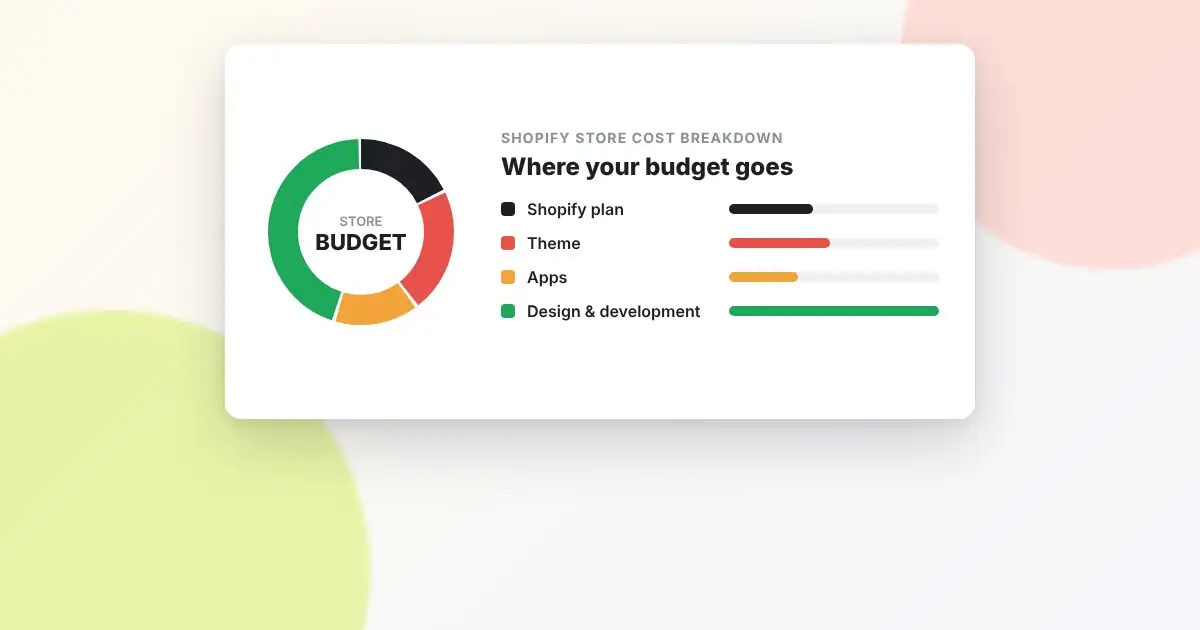
“How much will my Shopify store cost?” is the first question almost every client asks us, and the honest answer is: it depends on what you need. But “it depends” isn’t very helpful when you’re planning a budget, so this guide breaks down every cost involved, from Shopify’s own fees to design, development, apps and ongoing marketing.
The two types of cost
Shopify store costs fall into two groups:
- One-time costs: design, development, theme purchase, setup and product data entry.
- Ongoing costs: your Shopify plan, apps, payment processing, domain and marketing.
Many store owners budget carefully for the first group and get surprised by the second, so we’ll cover both.
1. Your Shopify plan
Every store needs a subscription. Shopify offers several tiers. At the time of writing, the main plans are Basic, Shopify (sometimes called Grow) and Advanced, with Shopify Plus for high-volume businesses. Prices are lower if you pay annually rather than monthly, and they vary by country, so always check Shopify’s pricing page for current figures.
For most new and small stores, the Basic plan is enough. Upgrade when you need more staff accounts, better reporting or lower card processing rates, which start to matter once your sales volume grows.
2. Payment processing fees
Each sale carries a card processing fee through Shopify Payments, typically a percentage plus a small fixed amount per transaction. Higher plans get lower rates. If you use a third-party payment gateway instead of Shopify Payments, Shopify adds an extra transaction fee on top of the gateway’s own charges.
3. Domain name
A custom domain usually costs a small annual fee, whether bought through Shopify or a separate registrar. It’s one of the smallest costs, but don’t skip it. A .myshopify.com address doesn’t build trust.
4. Theme
You have three options:
- Free theme: No cost. Shopify’s free themes are fast and well built, and a perfectly good starting point.
- Premium theme: A one-time purchase from the Shopify Theme Store, usually a few hundred dollars.
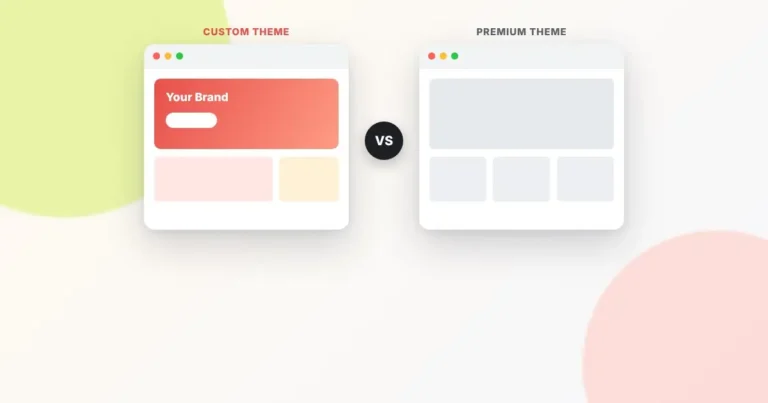
- Custom theme: Designed and built for your brand. This is the biggest variable in the whole budget. We compare the options in detail in our guide to custom vs. premium Shopify themes.
5. Design and development
This is where budgets differ most, because the scope differs so much. Broadly, projects fall into three levels:
Starter store
A free or premium theme, configured with your branding, a handful of pages, products uploaded, payments and shipping set up, and the essential apps installed. Suits new businesses testing the market.
Professional store
Everything above, plus custom-designed sections, a tailored homepage and product page layout, speed optimization, on-page SEO setup and integrations such as email marketing and reviews. Suits established brands moving to Shopify or upgrading an underperforming store.
Custom build
A fully custom theme with bespoke functionality: product customizers, complex bundles, wholesale or B2B features, multi-language or multi-currency setups, or migrations from another platform with large catalogs. Suits growing businesses where the store is a major revenue channel.
Pricing for each level depends on page count, number of products, custom features and the agency or freelancer you hire. Rates vary widely by region and experience, so get a fixed-scope quote rather than relying on a general figure.
6. Apps
Apps are the cost that creeps up quietly. Reviews, email marketing, subscriptions, upsells, loyalty programs, SEO tools and page builders often each charge a monthly fee. Five or six paid apps can easily cost more each month than your Shopify plan.
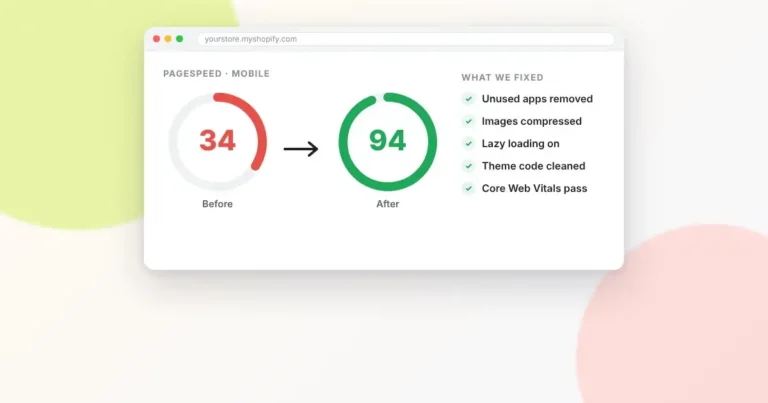
Tip: Every year, review your app list. Some apps can be replaced with a small piece of custom theme code, which is a one-time cost instead of a permanent subscription, and it usually makes your store faster too.
7. Content and product setup
Product photography, written product descriptions and data entry for large catalogs all take time. If you’re doing it yourself, budget the hours. If you’re outsourcing, budget the cost. Strong photos and original descriptions directly affect both conversions and SEO.
8. Marketing
A store without traffic doesn’t sell. Plan an ongoing budget for at least some of: SEO, paid ads, email marketing, social media and content. Many stores underestimate this and overspend on the build instead. A good rule is not to spend your entire budget on launch day.
9. Maintenance and support
After launch, you’ll want occasional theme updates, new landing pages for campaigns, bug fixes when an app conflicts with your theme, and performance checks. Some businesses handle this in-house. Others keep a developer on a monthly retainer or pay as needed.
How to keep costs under control
- Start with a clear scope. List the features you need at launch, and separate “must have” from “nice to have.”
- Launch, then improve. A good store that’s live beats a perfect store that’s still in development.
- Choose apps carefully. Only install what you’ll actively use.
- Invest where it pays back. Speed, product pages and checkout experience have the most direct impact on revenue.
- Get a fixed-price quote. Open-ended hourly projects make budgeting difficult.
Get an accurate quote for your store
Every store is different, so the most reliable number is a quote based on your actual requirements. Contact AlhudaSols with a few details about your products and goals, and we’ll send you a clear, fixed-scope estimate with no surprises.
Frequently asked questions
Can I build a Shopify store myself for free?
You can build it yourself with a free theme, but you’ll still pay for your Shopify plan, a domain and payment processing. Shopify regularly offers a free trial so you can set things up before paying.
Is Shopify cheaper than WooCommerce?
WooCommerce itself is free, but you pay separately for hosting, security, backups, premium plugins and maintenance. Shopify bundles hosting and security into the subscription. Total cost is often similar; the difference is in how much technical work you want to handle.
How long does it take to build a Shopify store?
A starter store can be live in one to two weeks. A professional store usually takes three to six weeks, and a fully custom build can take two months or more depending on features.